Photo booth app for Android tablets All twelve experiences, as a kiosk on the tablet you choose
Runs on Android tablets and phones; the kiosk downloads events you build in Studio.
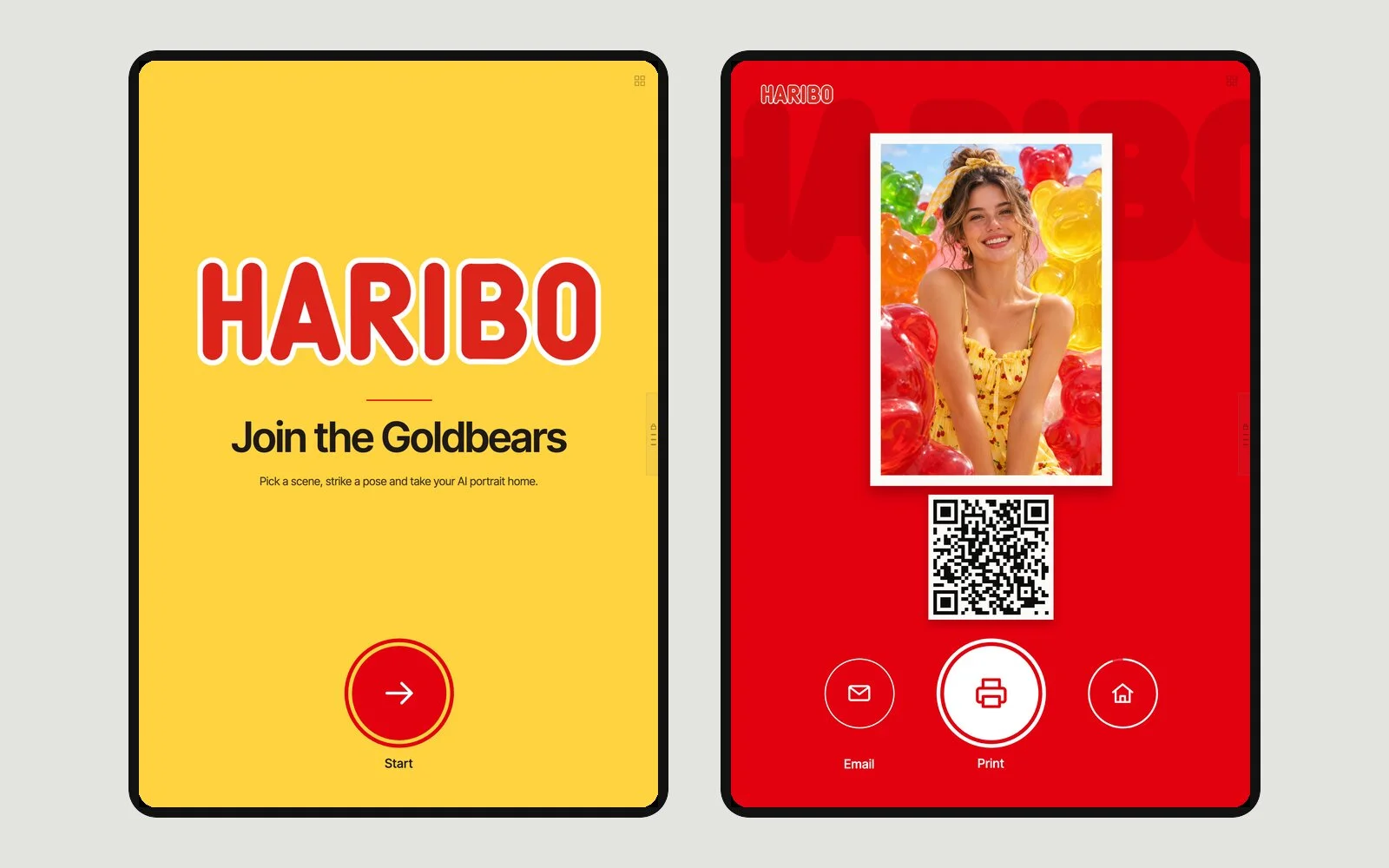












Set up an Android kiosk
Install and sign in
Install the Eventwink Android app and sign in. An operator account can open kiosks only for the events you choose.
Open the kiosk
Pick the event and the station. Event files download to the tablet; the back button asks for the operator PIN.
Lock it down
On a tablet managed as device owner through your MDM, the app runs in lock task mode and can be the home screen, so it opens again after a restart.