Remote control Start the capture from your phone
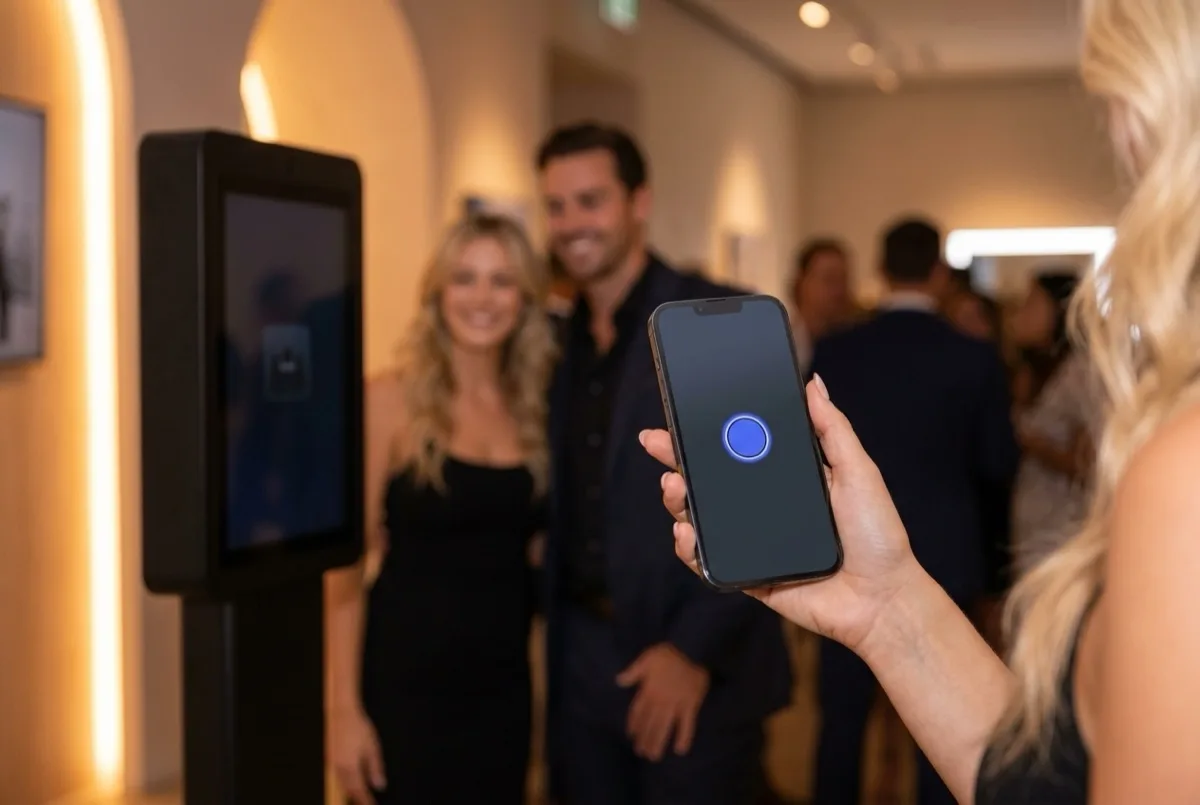
Pair a phone with the kiosk and start the shot from it.
How it works
Pair
Scan the QR on the kiosk or enter its six-character code on the phone.
Start
"Start capture" runs the normal countdown and shot; video experiences show "Start recording".
See the result
The result appears on the phone too; reset for the next guest from there.








Features
-
Offline mode
In the iOS and Android apps, shots queue offline and are processed when the connection returns.
See details · Offline mode -
Printing
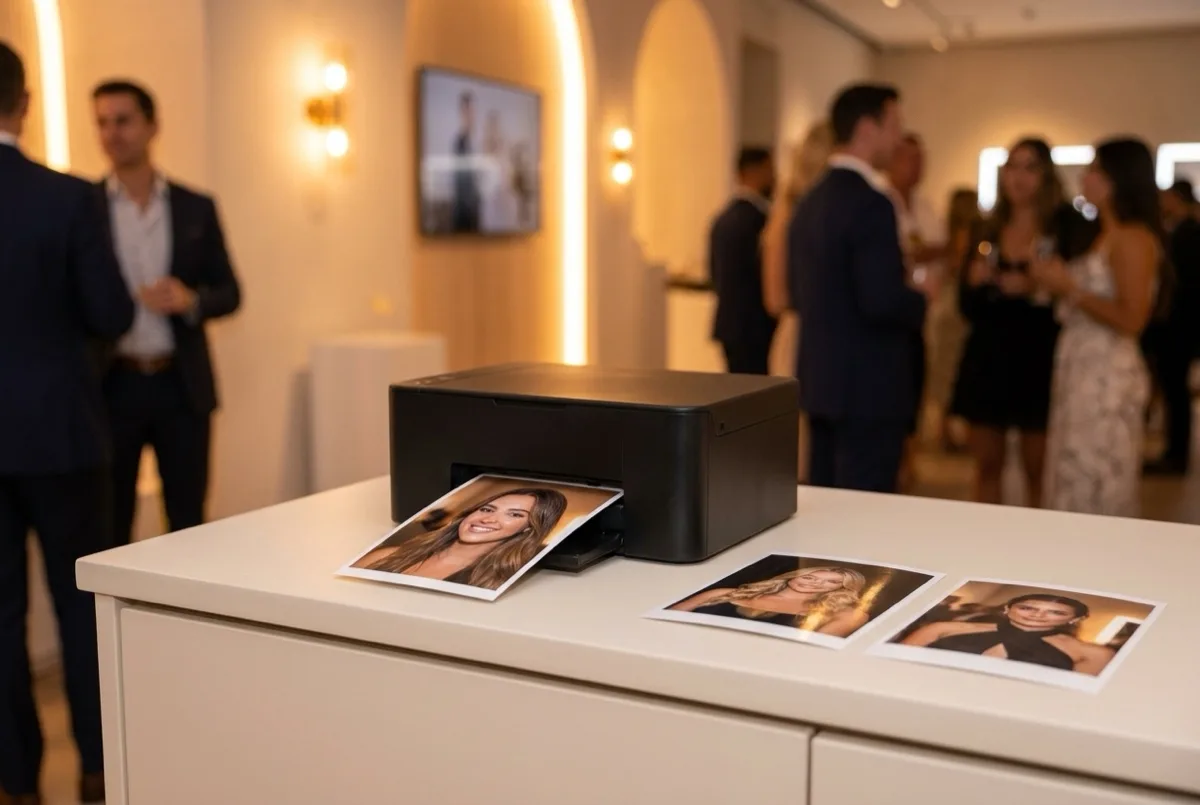
4×6 prints from any printer on a Windows PC; the kiosk can be on another network.
See details · Printing -
QR and email sharing
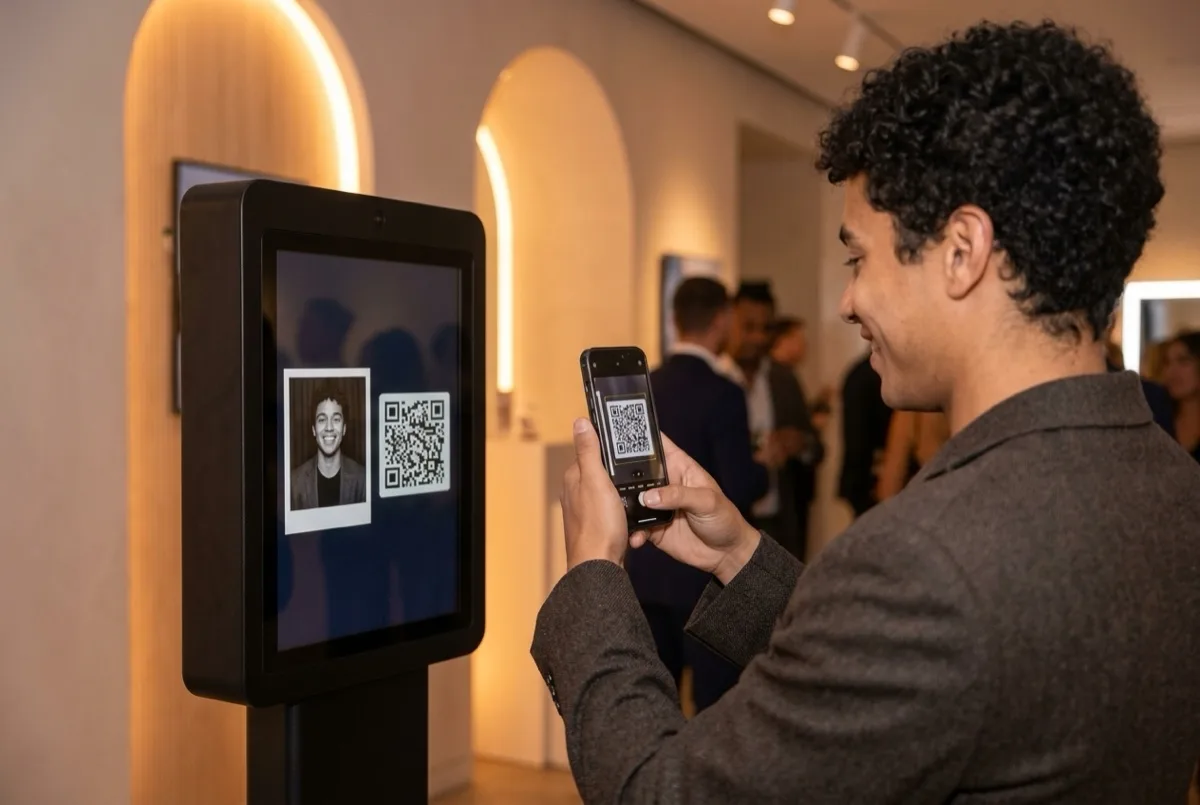
Every result gets its own guest page. Guests scan the QR on the kiosk, download the photo, GIF or video, and share it — no app, no account.
See details · QR and email sharing