Photo booth app for PC and Mac Native desktop kiosk app for Windows and macOS
Runs in landscape or full screen on Windows and Mac with a built-in, USB or Continuity Camera.
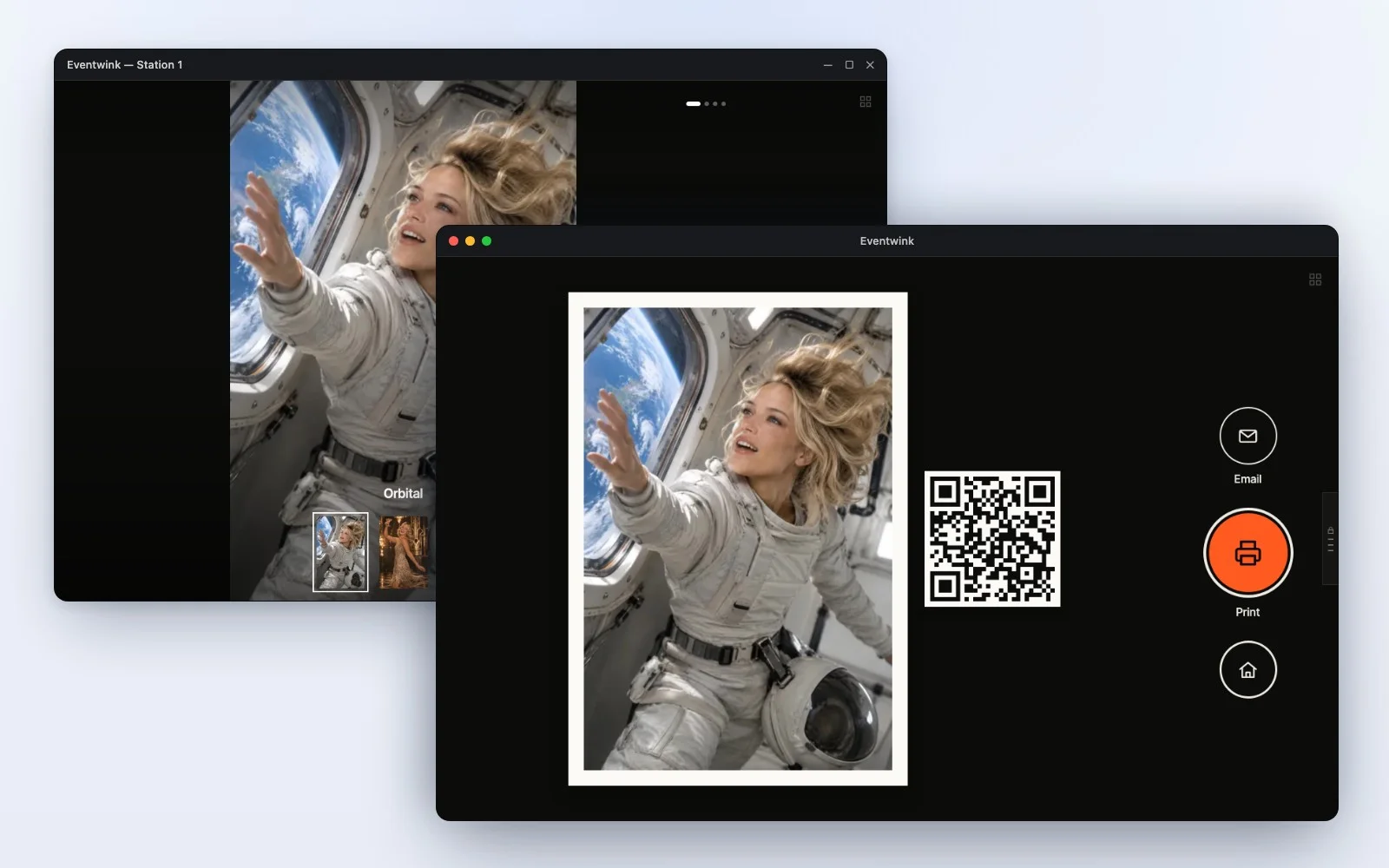












Set up a PC or Mac kiosk
Install and sign in
Install the Eventwink desktop app on your Mac or Windows PC and sign in. Operator accounts open only the events you assign.
Pick the camera
Allow camera access and choose the camera for the event: built-in webcam, USB (UVC) camera or Continuity Camera on Mac.
Open the kiosk
Choose the event and the station and enter full screen. Leaving the kiosk screen requires the operator PIN.