Guest form and consent Collect guest details and consent
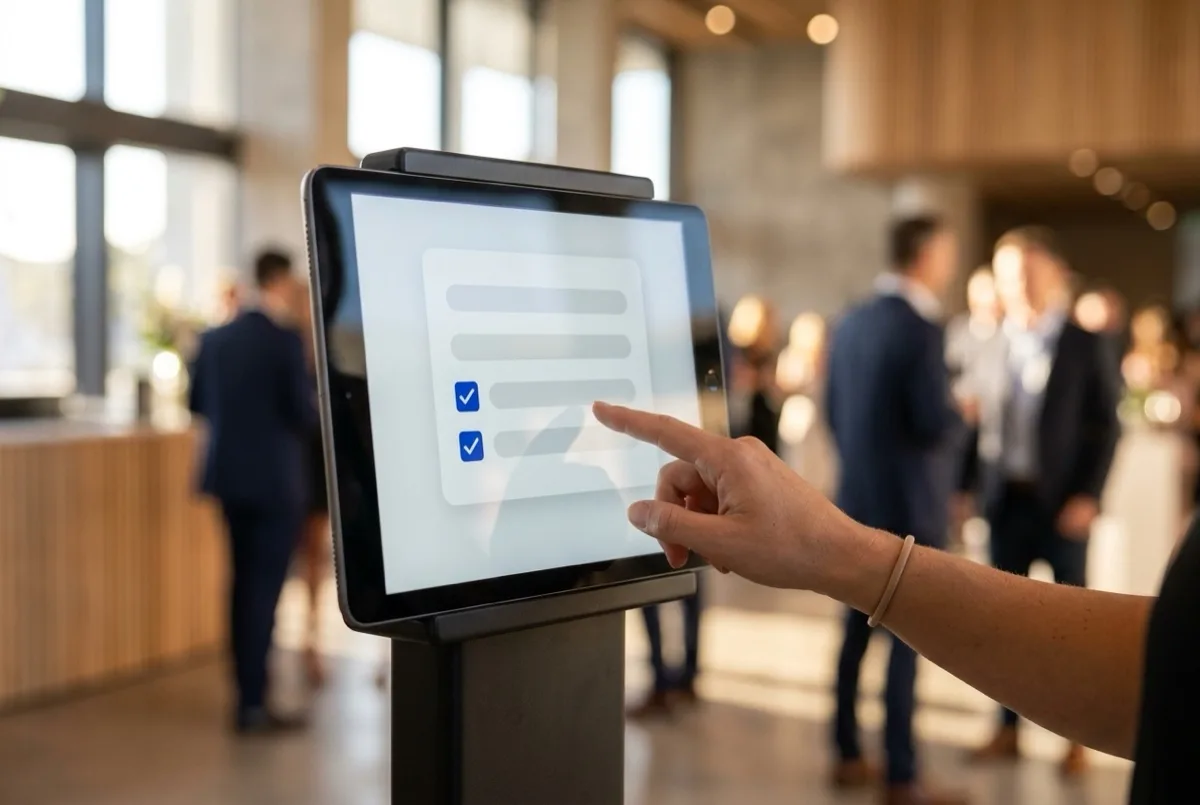
Optional form before or after the shot; each consent box opens your own notice.
How it works
Pick the fields
Turn name, email and phone on or off; every field that is on is required.
Add consent
Up to five checkboxes, each with a "Read" button that opens its document. All must be ticked to continue.
Verify if needed
Optional SMS code to the guest's phone through your own corporate SMS provider.








Features
-
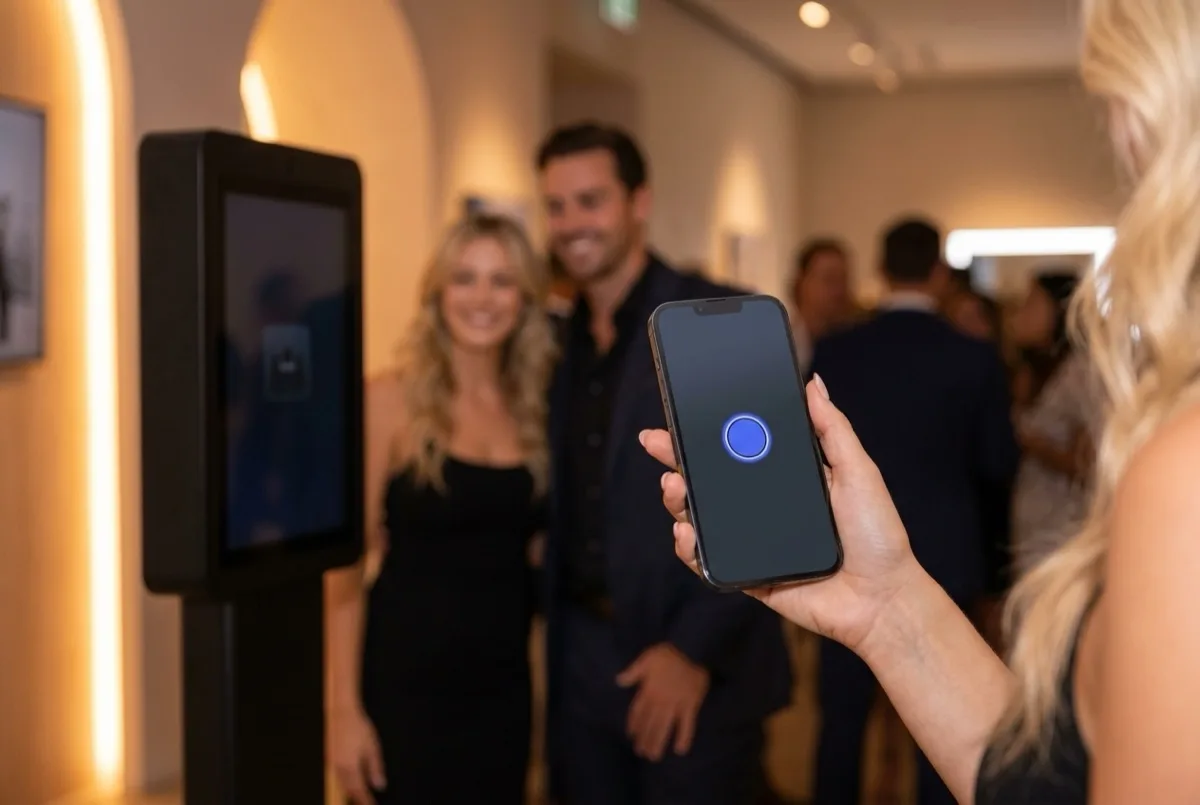
Remote control
Pair a phone with the kiosk and start the shot from it.
See details · Remote control -
Offline mode
In the iOS and Android apps, shots queue offline and are processed when the connection returns.
See details · Offline mode -
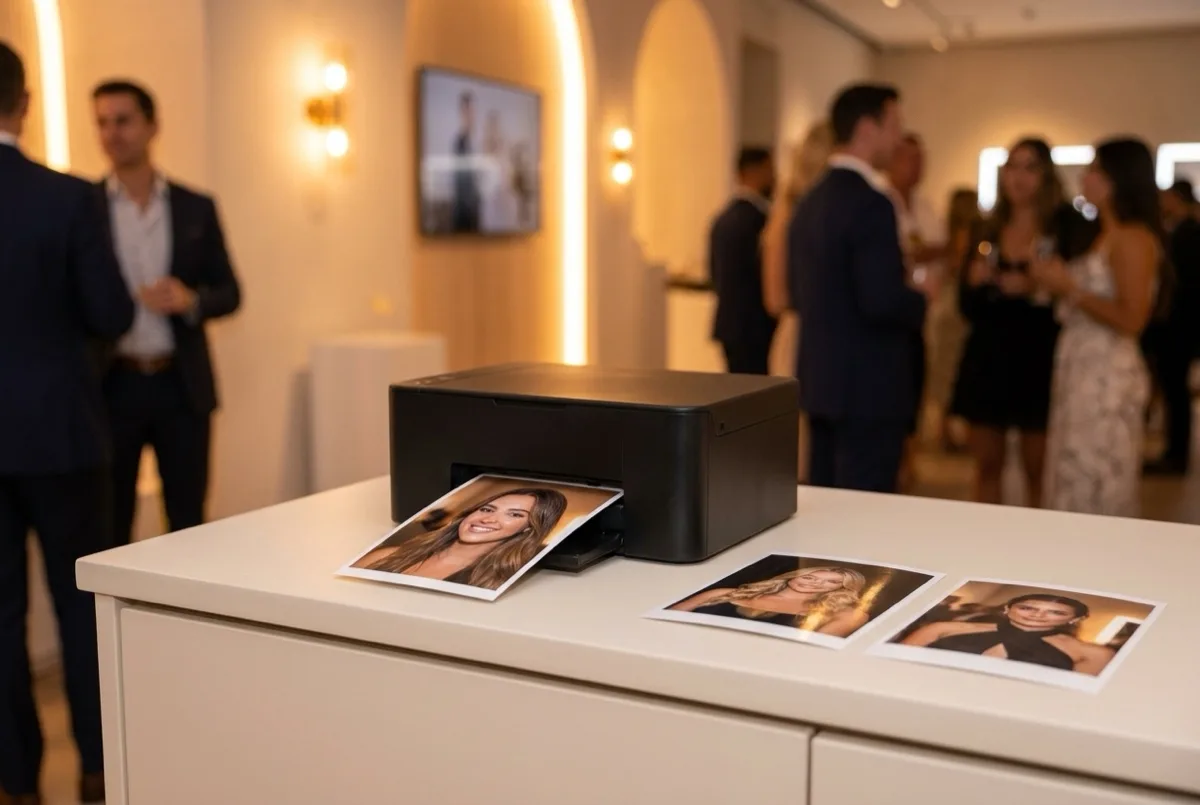
Printing
4×6 prints from any printer on a Windows PC; the kiosk can be on another network.
See details · Printing