QR and email sharing Guests get their result by QR
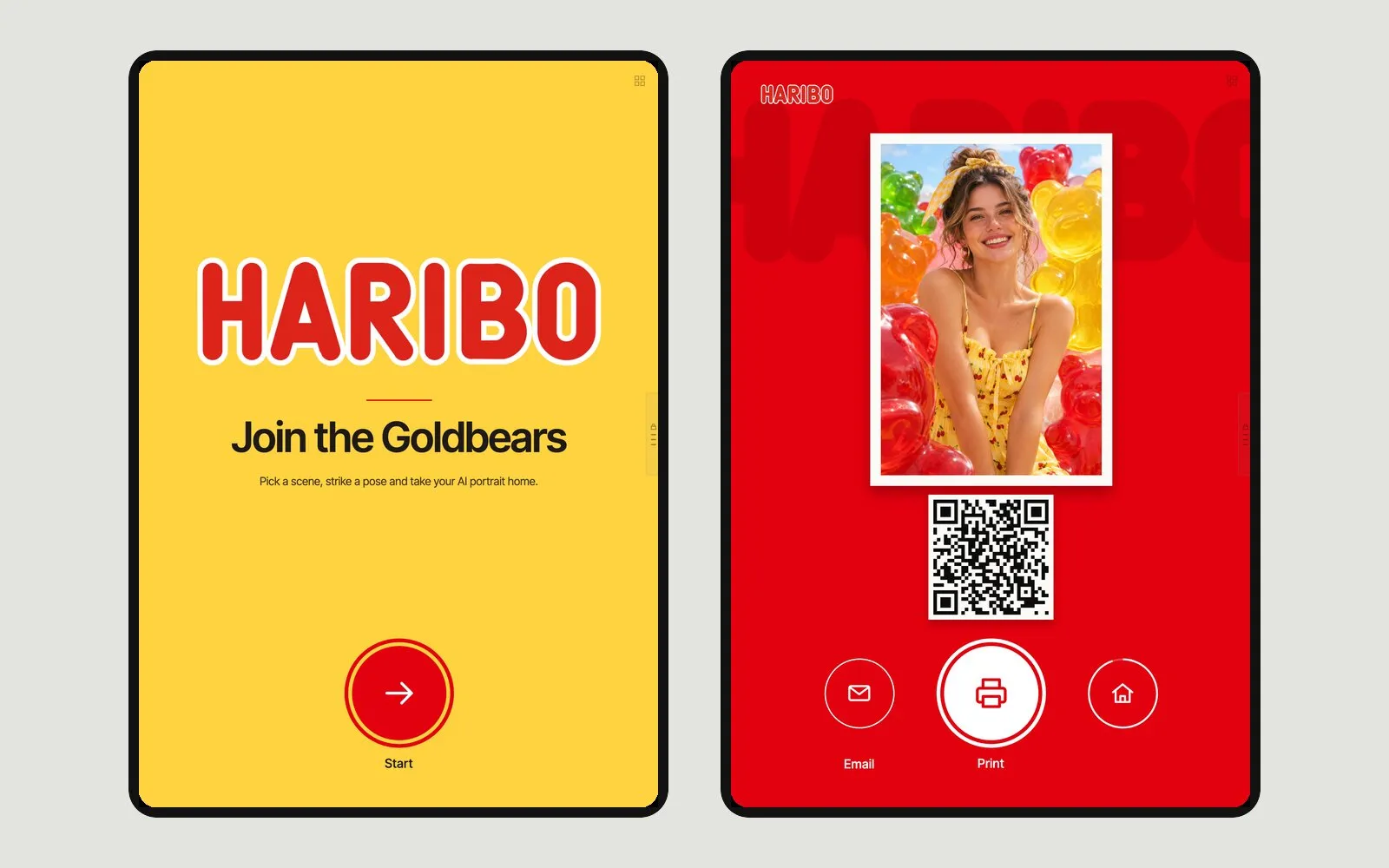
Every result gets its own guest page. Guests scan the QR on the kiosk, download the photo, GIF or video, and share it — no app, no account.
How it works
Scan
The result screen shows a QR code to the guest page.
Download
The photo, GIF or video saves to the phone.
Share
WhatsApp, Facebook and X share the link; for Instagram the file is downloaded first. Email sends the image as an attachment.






Features
-
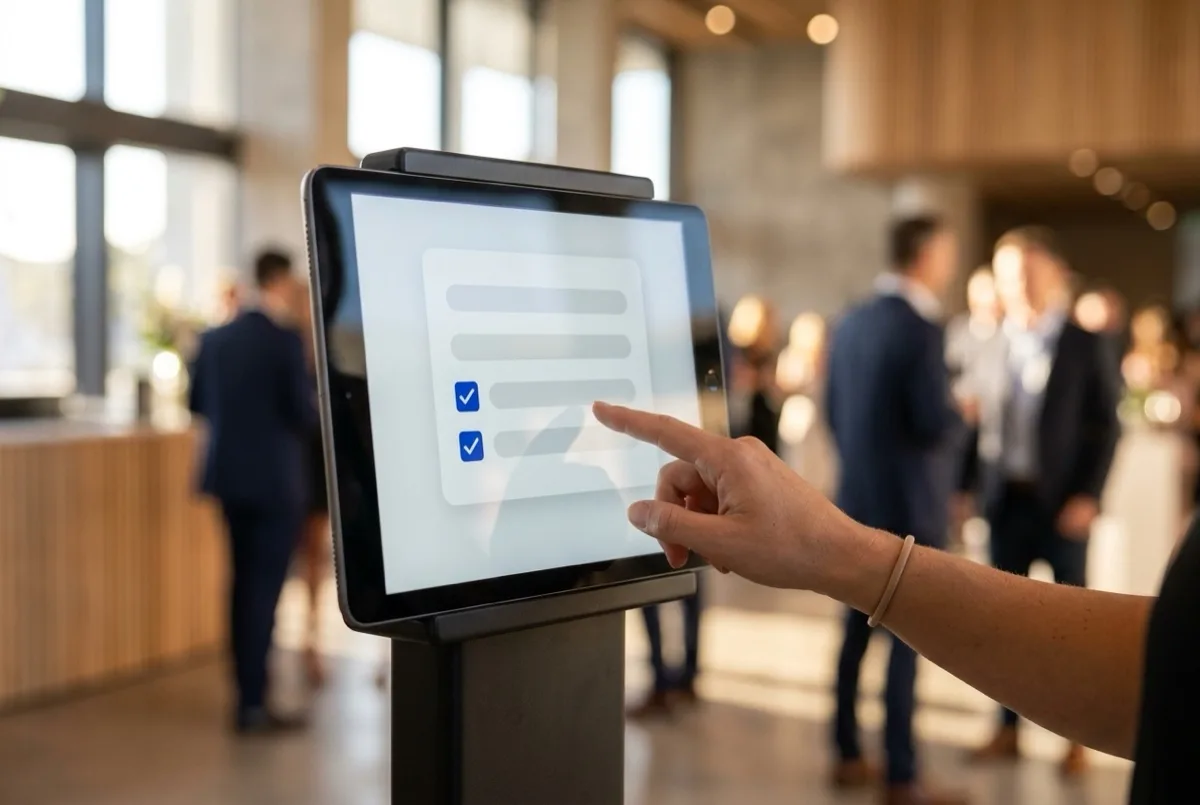
Guest form and consent
Optional form before or after the shot; each consent box opens your own notice.
See details · Guest form and consent -
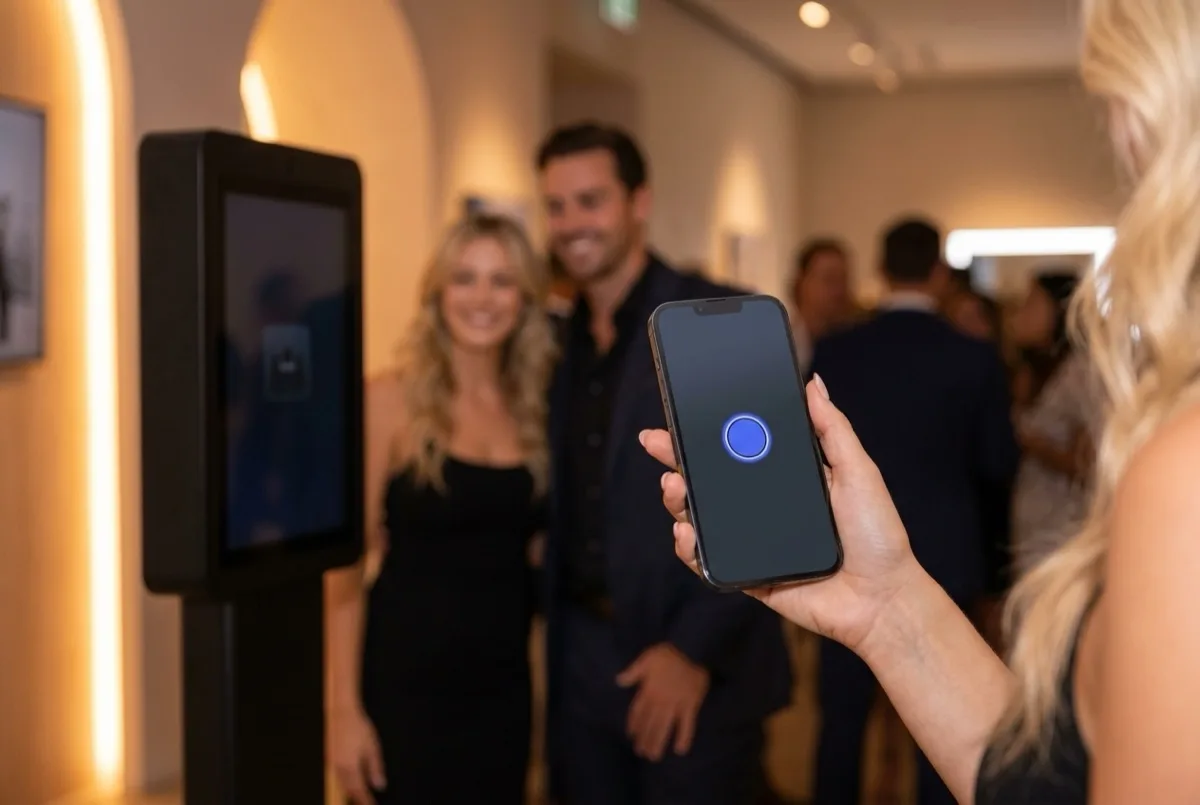
Remote control
Pair a phone with the kiosk and start the shot from it.
See details · Remote control -
Offline mode
In the iOS and Android apps, shots queue offline and are processed when the connection returns.
See details · Offline mode