Offline mode Keep capturing when the connection drops
In the iOS and Android apps, shots queue offline and are processed when the connection returns.

How it works
Open from cache
A published event cached on the device can reopen offline for up to 24 hours after caching, with up to 50 files and 150 MB of assets.
Keep capturing
Camera, countdown, character and scene pickers and drawing all work; captures are saved to a durable on-device queue.
Catch up
The guest sees "Queued · waiting for connection"; results, QR, print and email follow when the connection returns.








Features
-
Printing
4×6 prints from any printer on a Windows PC; the kiosk can be on another network.
See details · Printing -
QR and email sharing
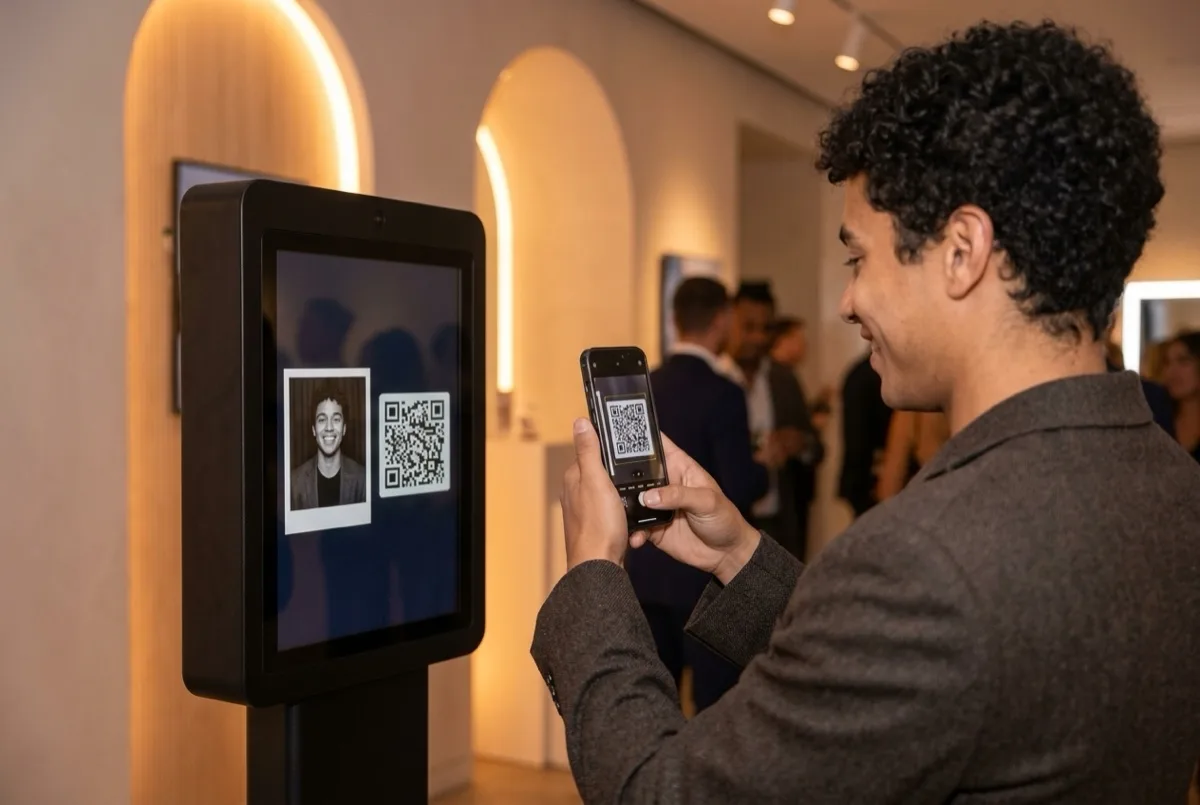
Every result gets its own guest page. Guests scan the QR on the kiosk, download the photo, GIF or video, and share it — no app, no account.
See details · QR and email sharing -
Guest form and consent
Optional form before or after the shot; each consent box opens your own notice.
See details · Guest form and consent