Printing Prints from the printer you already have
4×6 prints from any printer on a Windows PC; the kiosk can be on another network.

How it works
Install and pair
Run the agent on Windows and enter the pairing code from the dashboard.
Pick the printer
Choose any printer installed in Windows; the agent picks matching 4×6 paper and orientation.
The guest taps Print
Each tap queues one copy, up to the per-result limit you set. Reprint any result from the dashboard.







Features
-
QR and email sharing
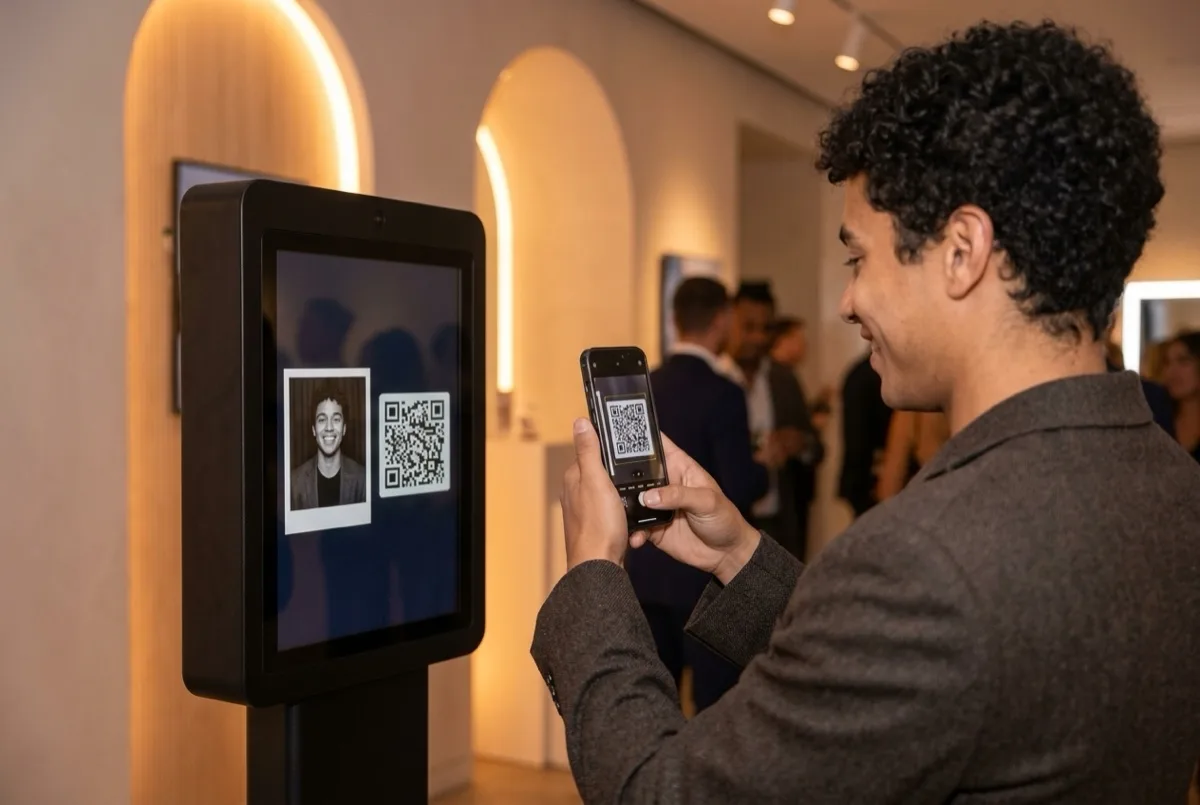
Every result gets its own guest page. Guests scan the QR on the kiosk, download the photo, GIF or video, and share it — no app, no account.
See details · QR and email sharing -
Guest form and consent
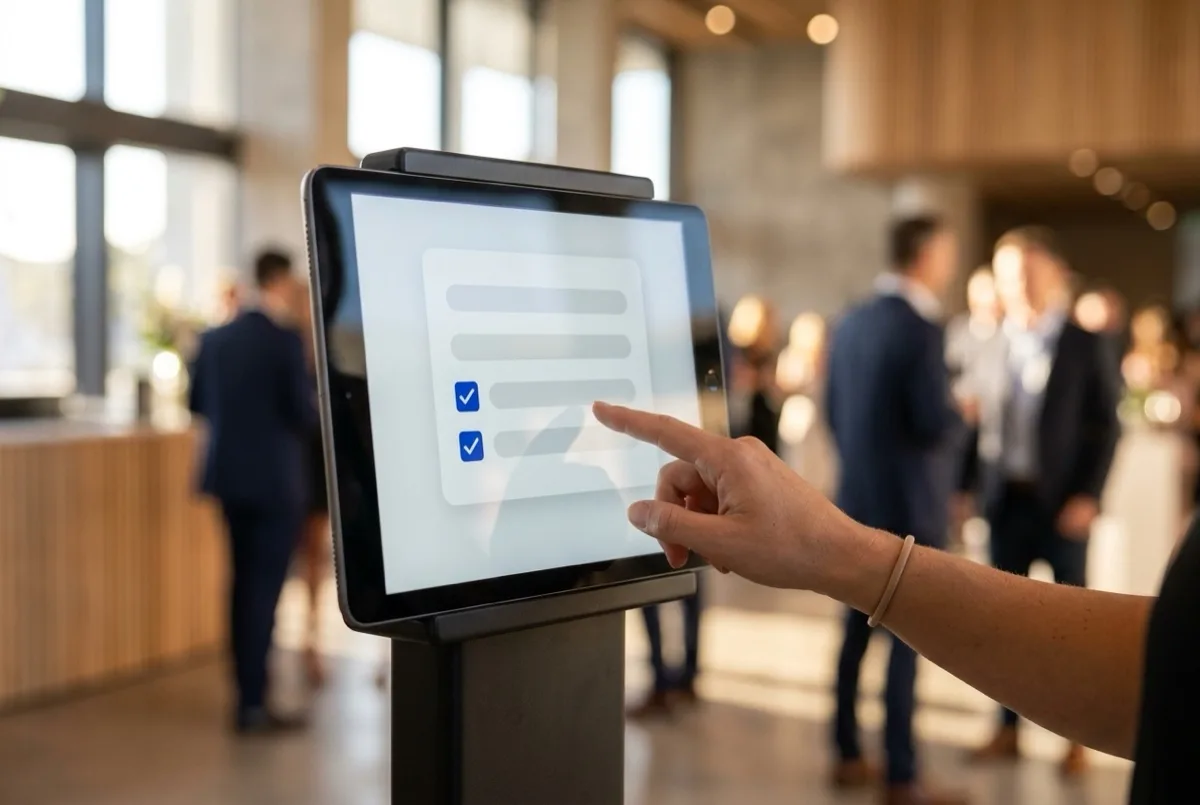
Optional form before or after the shot; each consent box opens your own notice.
See details · Guest form and consent -
Remote control
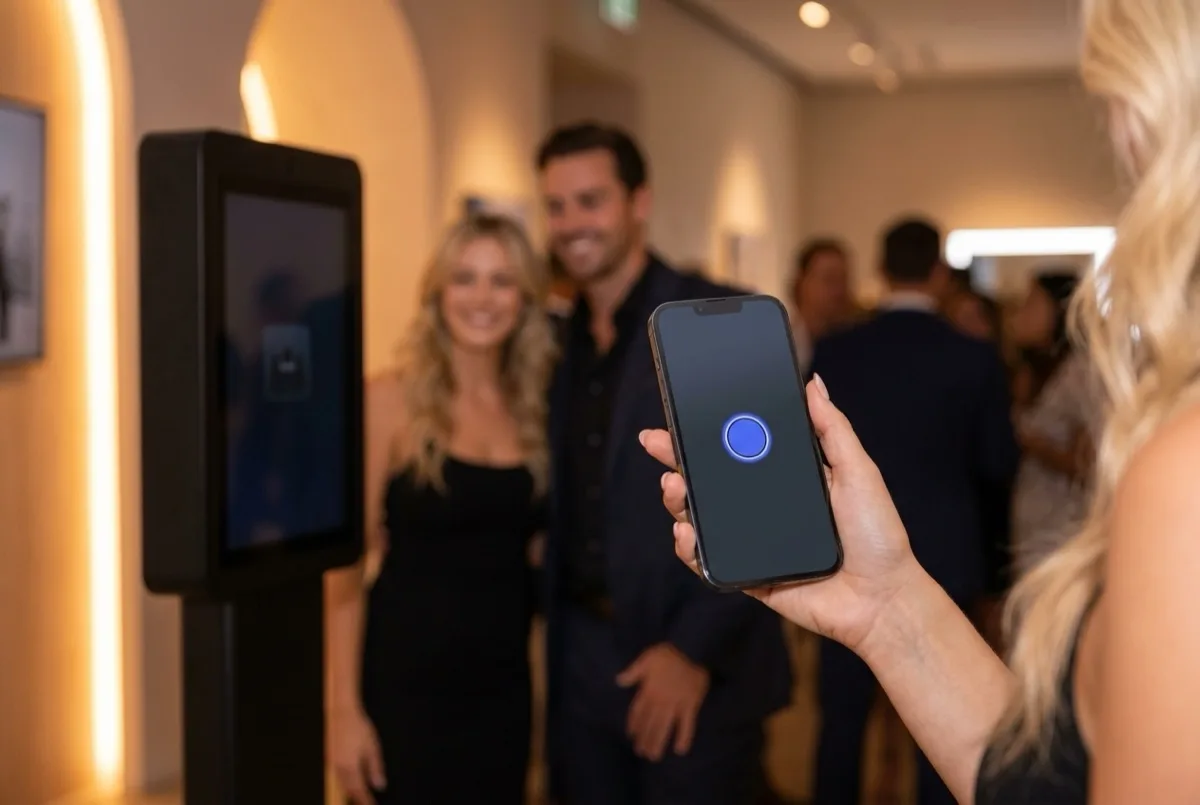
Pair a phone with the kiosk and start the shot from it.
See details · Remote control