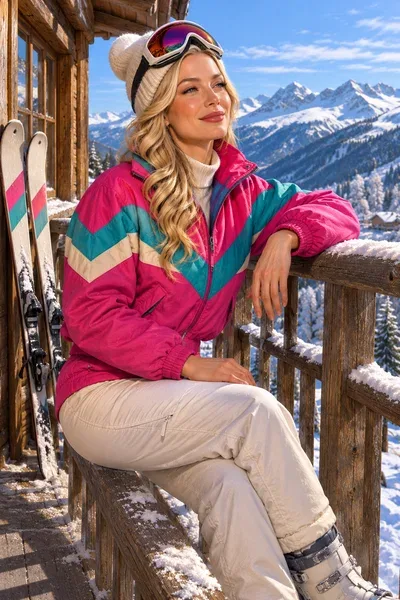
AI Greenbox Your scenes, no green screen
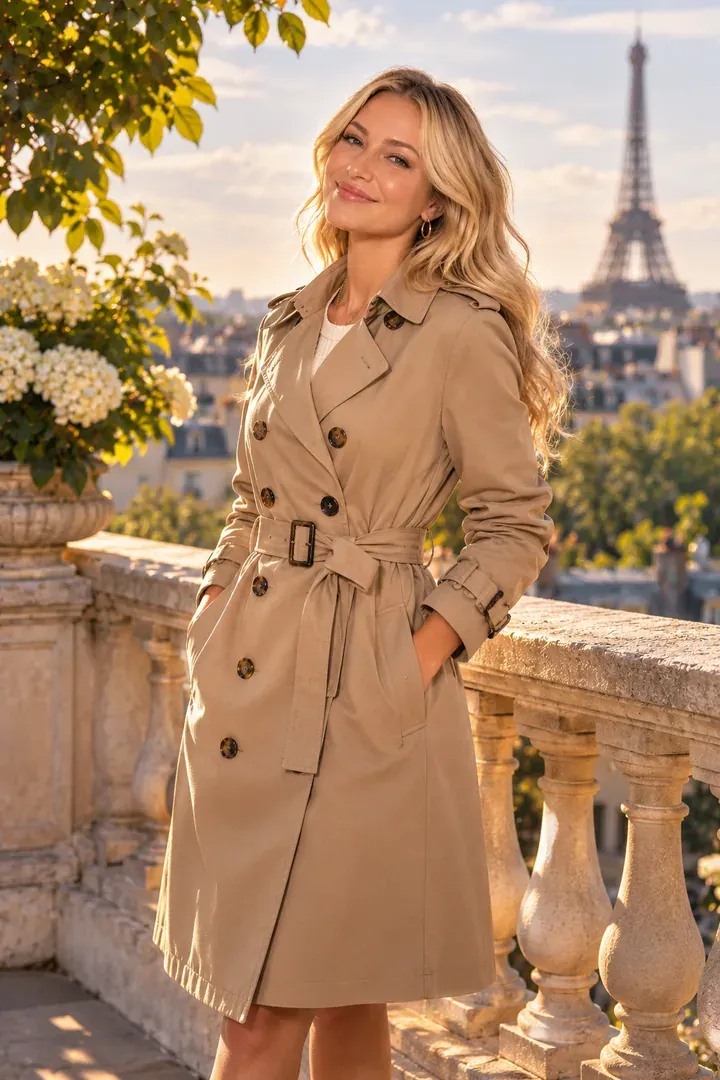
AI separates the guest from the background and places them in the scene they choose. No green screen is required; a plain, well-lit background helps the model separate the guest cleanly.




How does the guest use it?
- 01
Capture (scene choice can come first)
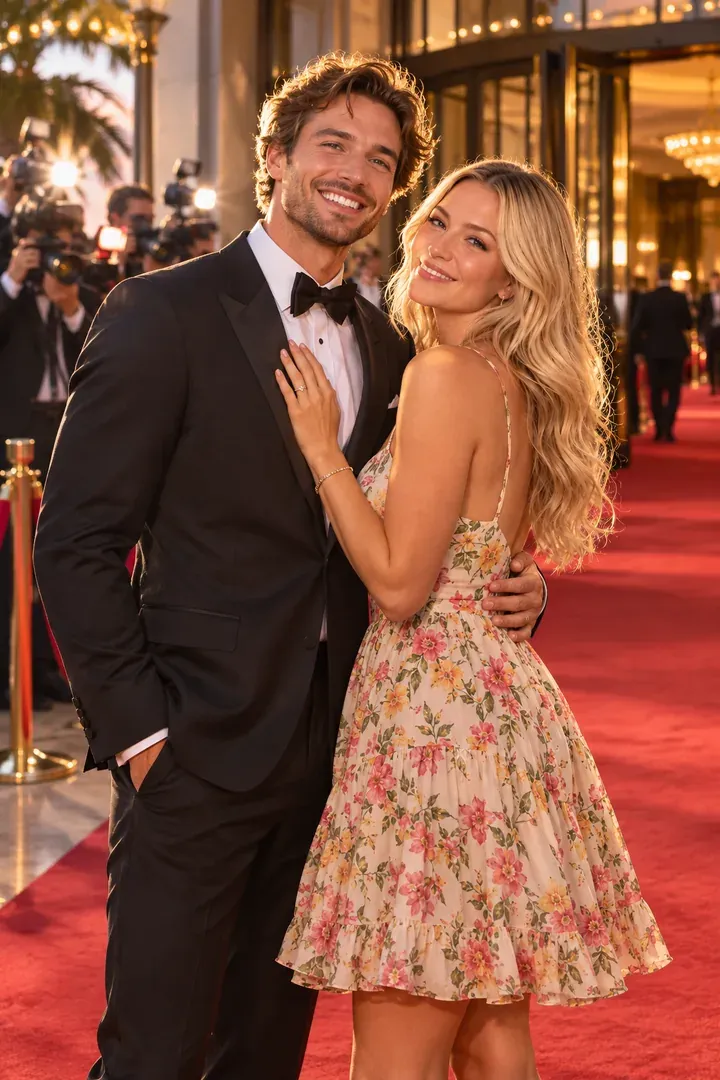
- 02
"Choose your scene" screen
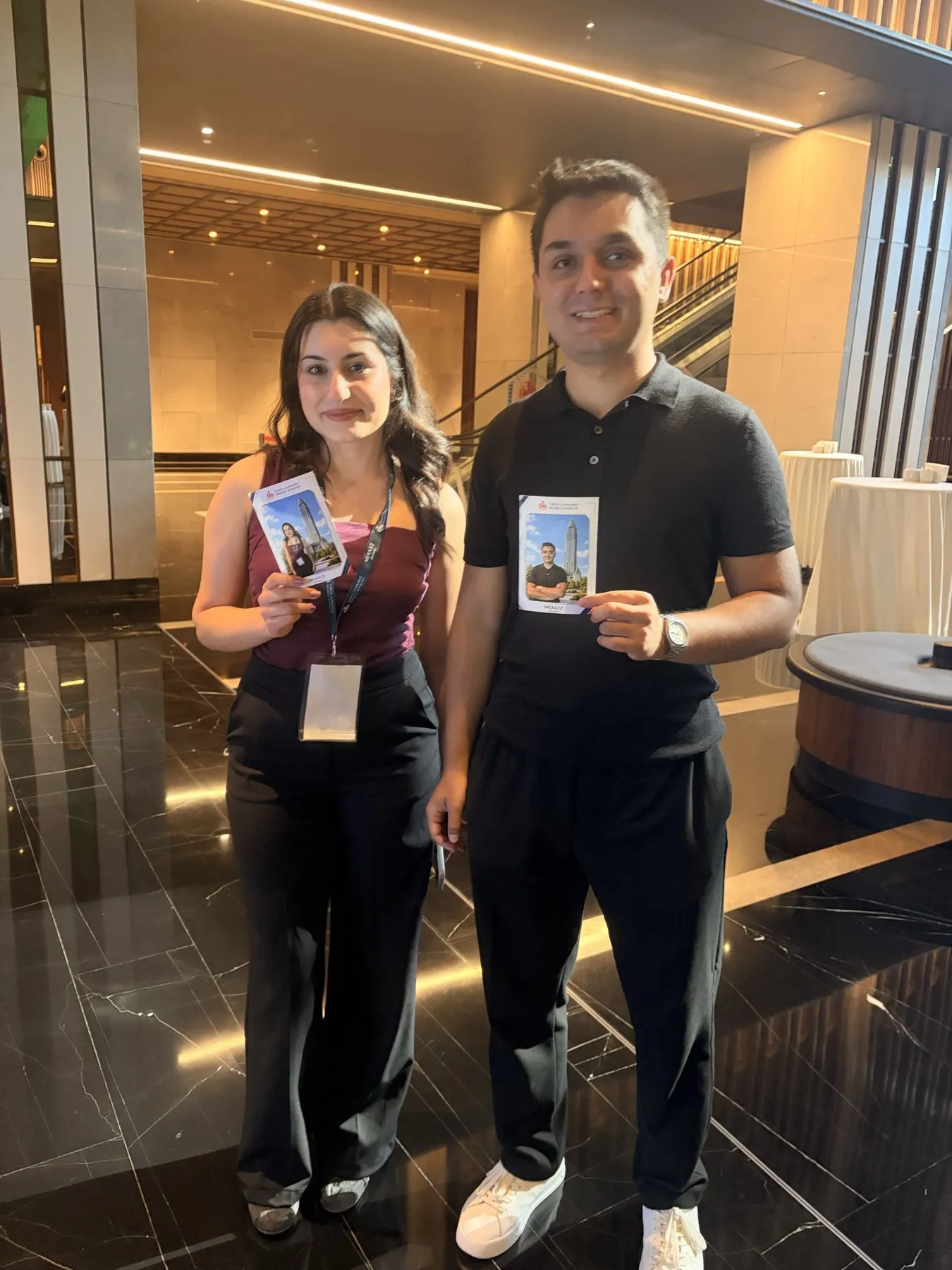
- 03
Person placed into the scene
More from this family
-
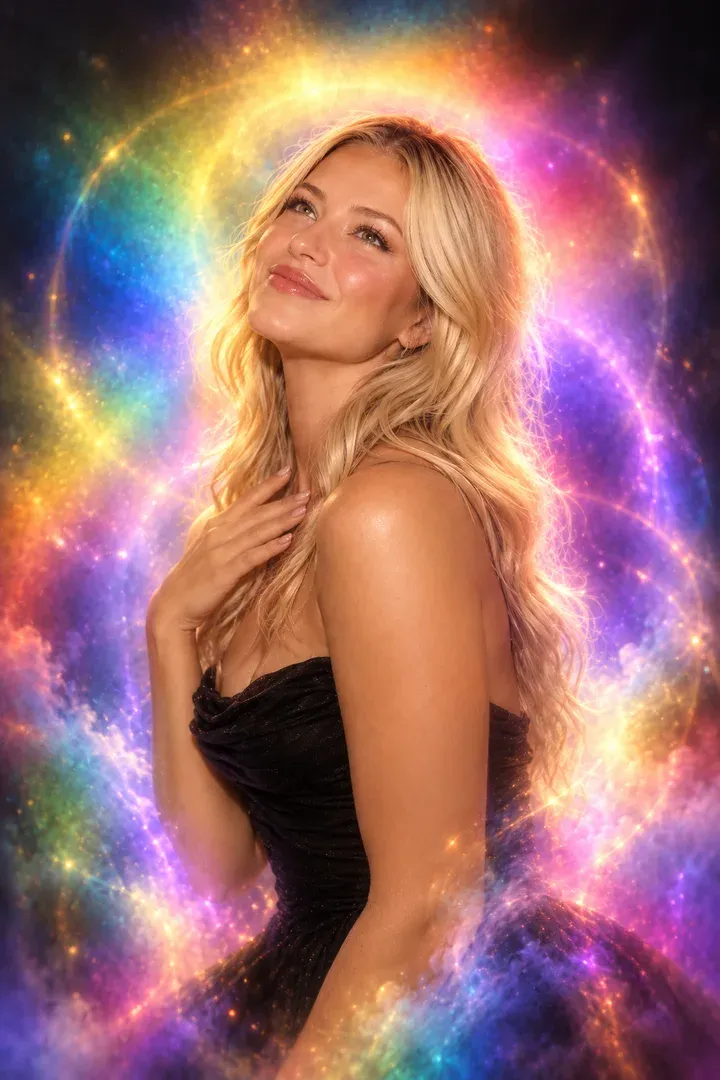
Aura Photo
Color-field aura portraits with the look of analog film.
-
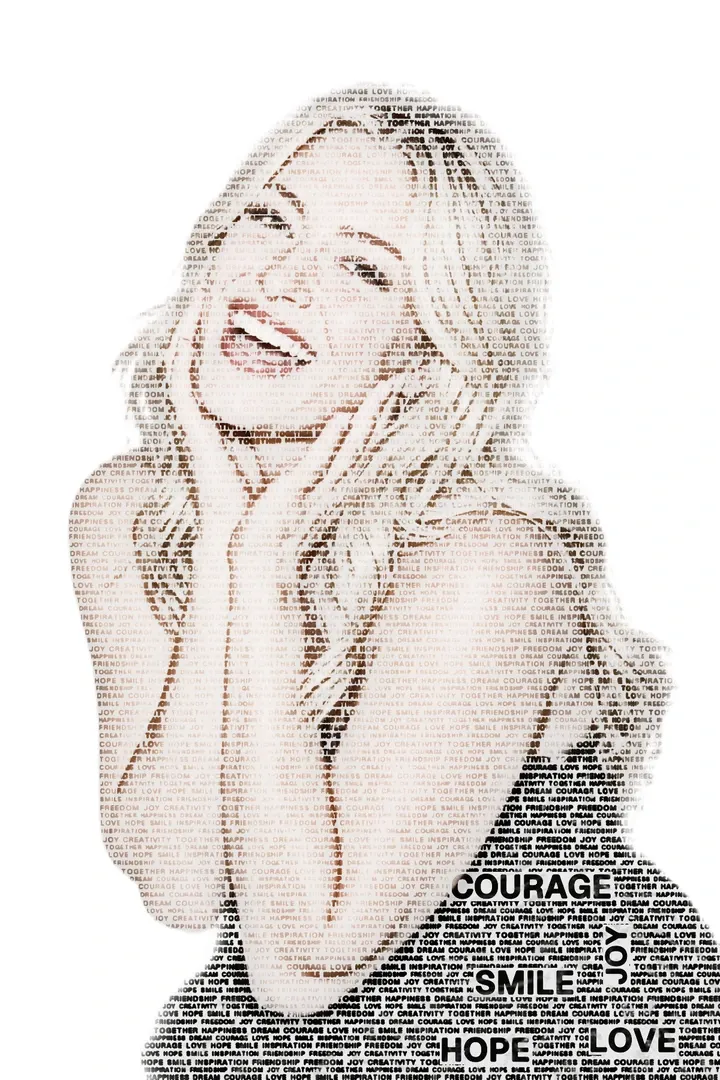
Wordportre
The guest's portrait drawn from words you choose, on a transparent background.
-
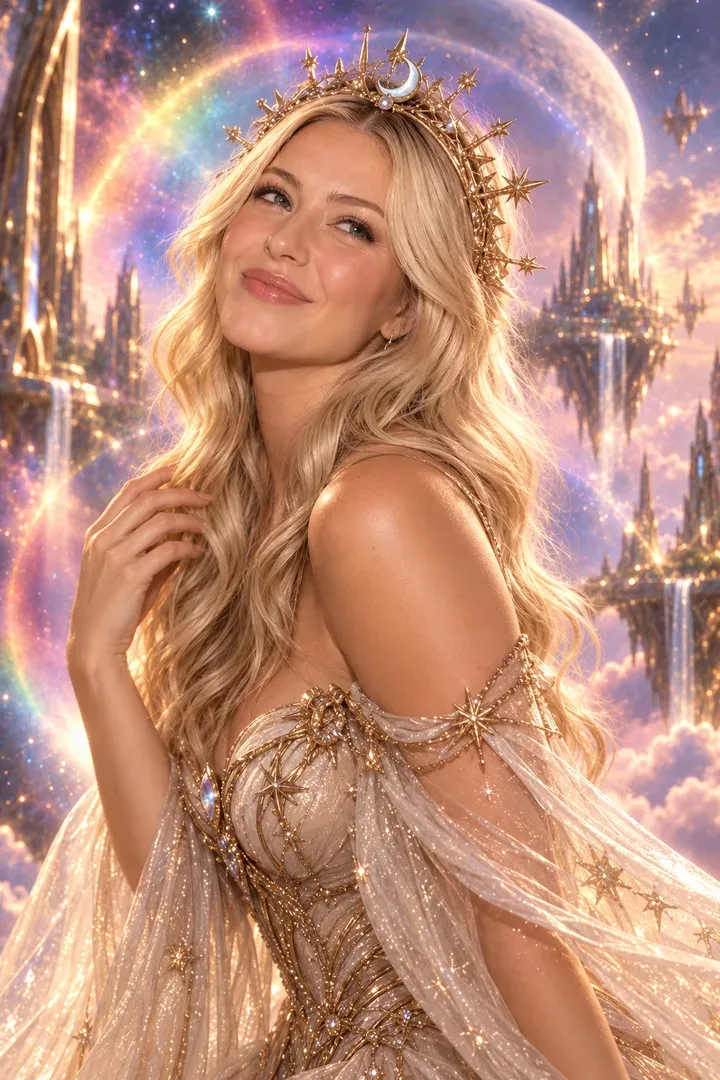
AI Photo
Guests become the characters you set for the event — up to 50 per event, one or two faces.
-

AI Sketch to Image
A guest's quick sketch becomes a detailed image.