iPad photo booth app All twelve experiences, as a kiosk on the iPad you have
The same app runs on iPhone; build events in Studio on any device.
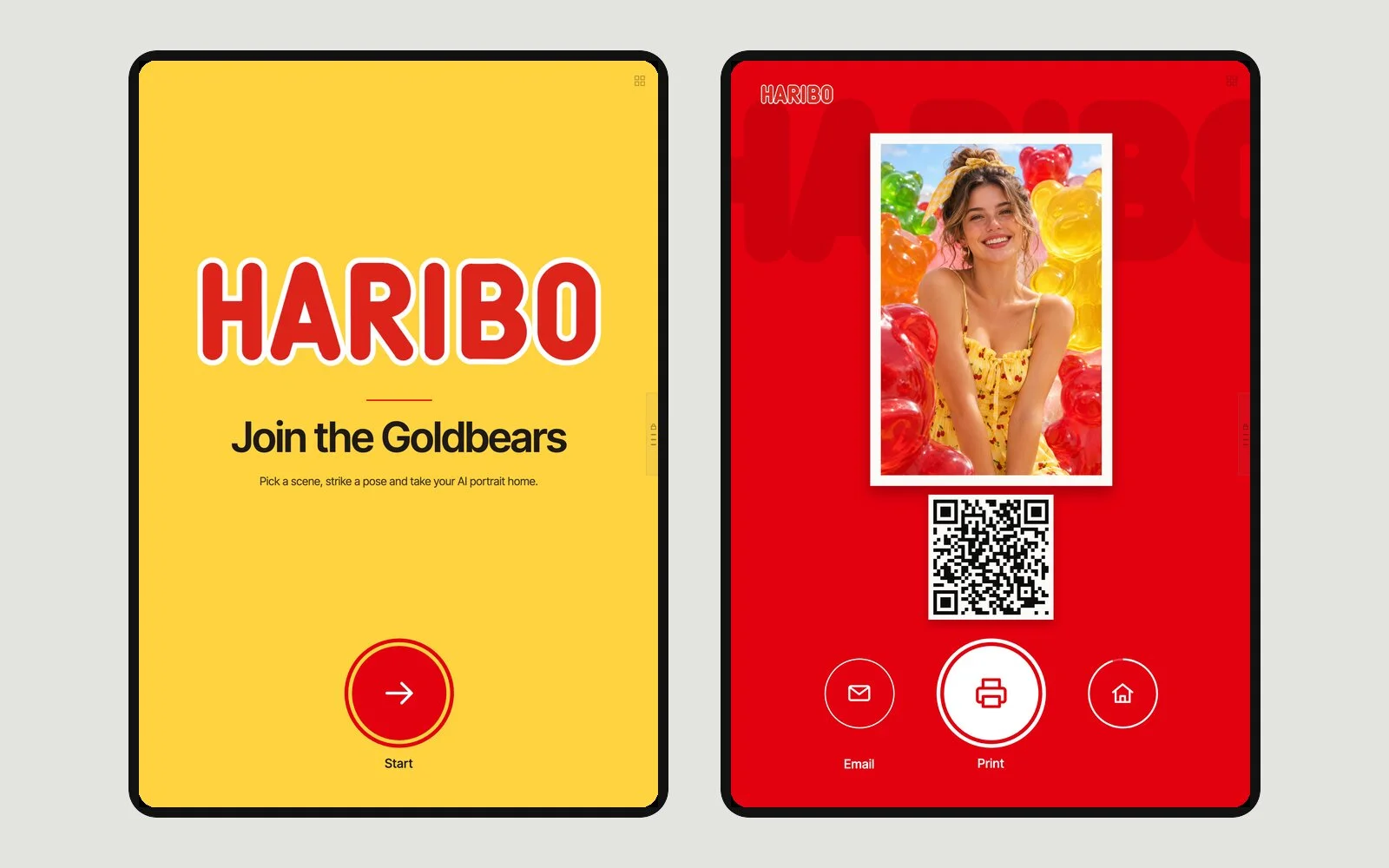












Set up an iPad kiosk
Install and sign in
Install the Eventwink iOS app and sign in. An operator account can open kiosks only for the events you choose.
Open the kiosk
Pick the event and the station. Event files download to the iPad; leaving the kiosk needs the operator PIN.
Lock it to the app
Turn on Guided Access in iPadOS so guests can't leave the app. Managed fleets can use MDM Single App Mode.